Tango

Branding and UI Design

Tango is a networking and collaboration app designed for students in creative advertising, reimagining the traditional “dating app” format to foster creative partnerships. I led the brand identity and UI design, developing a cohesive visual system and intuitive user experience inspired by familiar swipe-based interactions, while positioning Tango as an accessible, equity-driven platform for emerging talent.
Blue cover page of a brand guide titled 'Tango' with a handshake graphic, the phrase 'Make Moves,' and the year 2025.
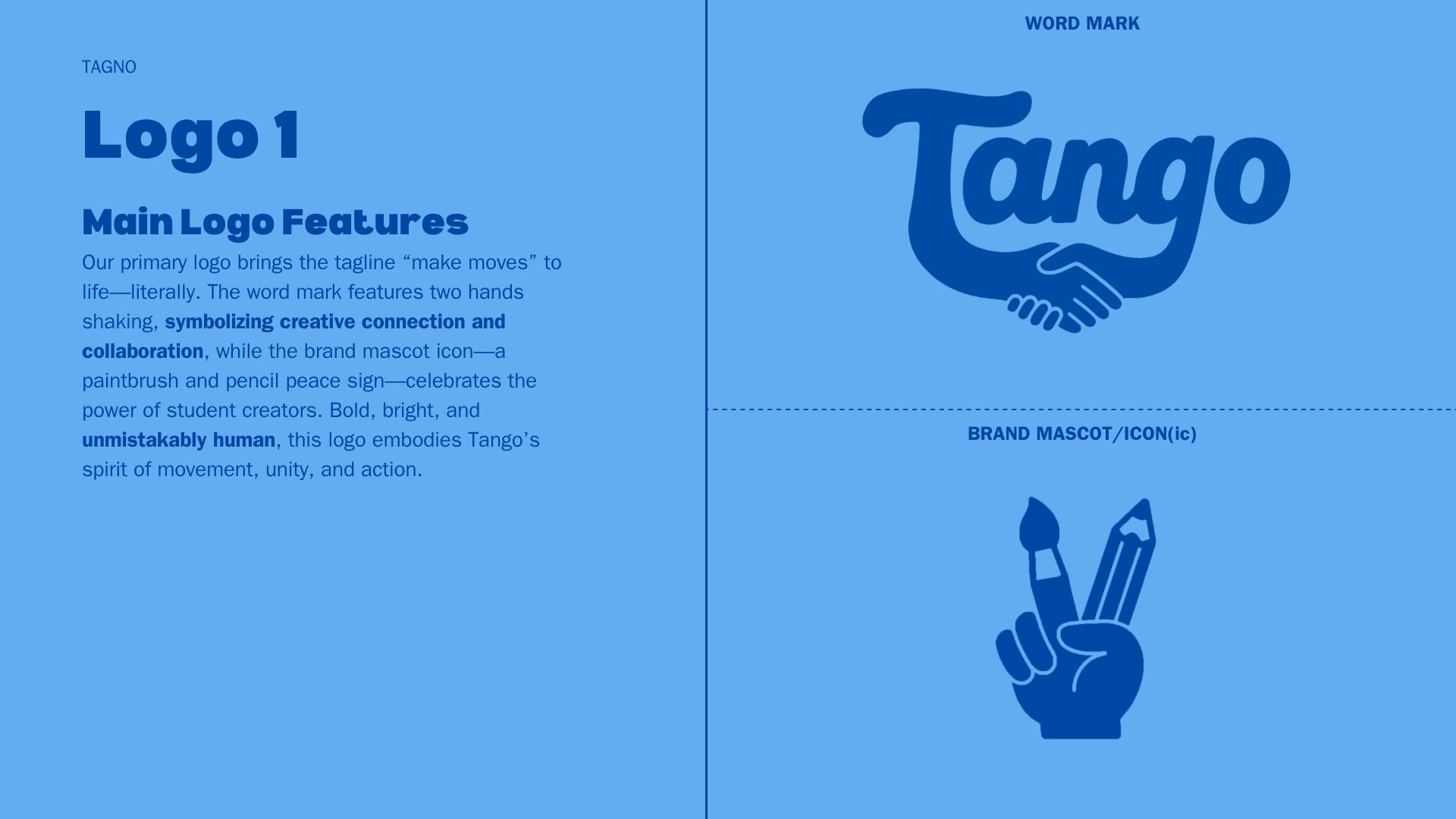
Design board with blue background presenting the logo concept for 'Tango'. The left side features a text description of the logo's main features, emphasizing creative connection and collaboration, with the title 'Logo 1' and the tagline 'make moves'. The right side displays the word 'Tango' written in a cursive font above a stylized icon of two hands shaking, and a hand holding art supplies (paintbrush and pencil) below, labeled as 'BRAND MASCOT/ICON'.
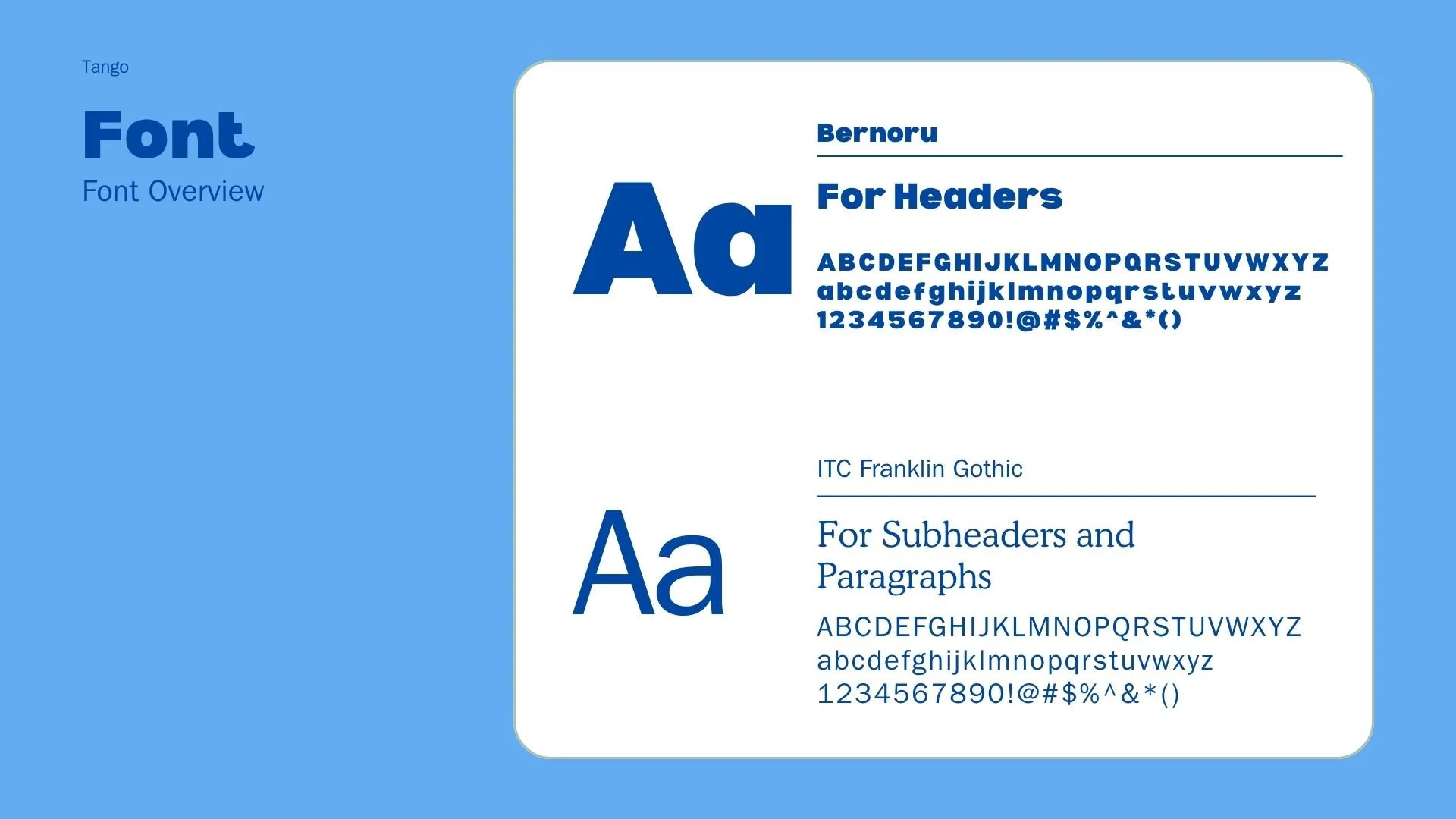
A digital font style overview showcasing the 'Bernoru' font for headers, displaying the font name in bold blue text with sample uppercase and lowercase alphabet, numbers, and symbols. It also features the 'ITC Franklin Gothic' font for subheaders and paragraphs, with sample text, uppercase and lowercase alphabet, numbers, and symbols, set against a light blue background.
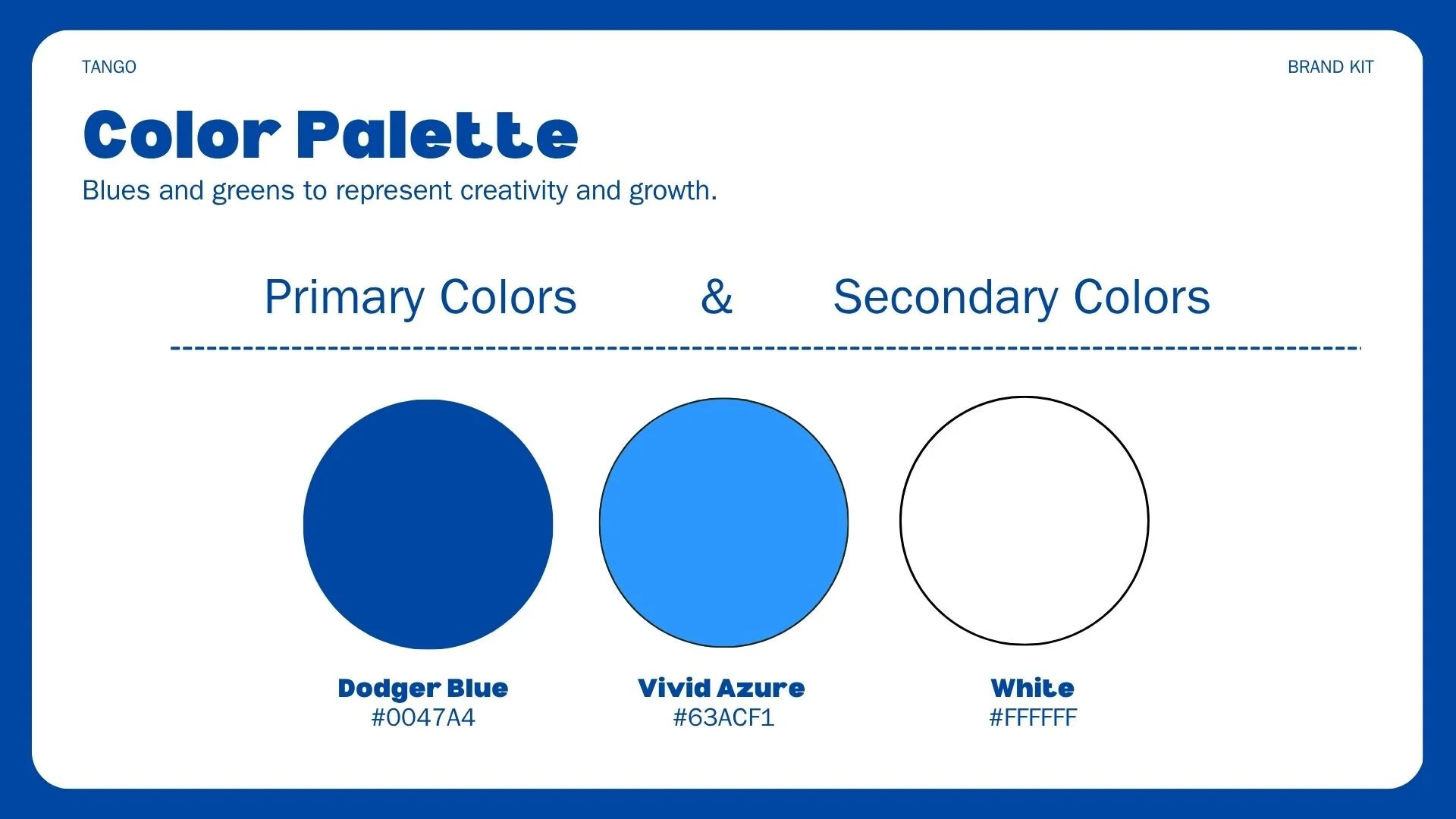
Color palette chart with primary and secondary colors. It features three circles: Dodger Blue with hex code #0047A4, Vivid Azure with hex code #63ACF1, and White with hex code #FFFFFF. The chart indicates blues and greens for creativity and growth.
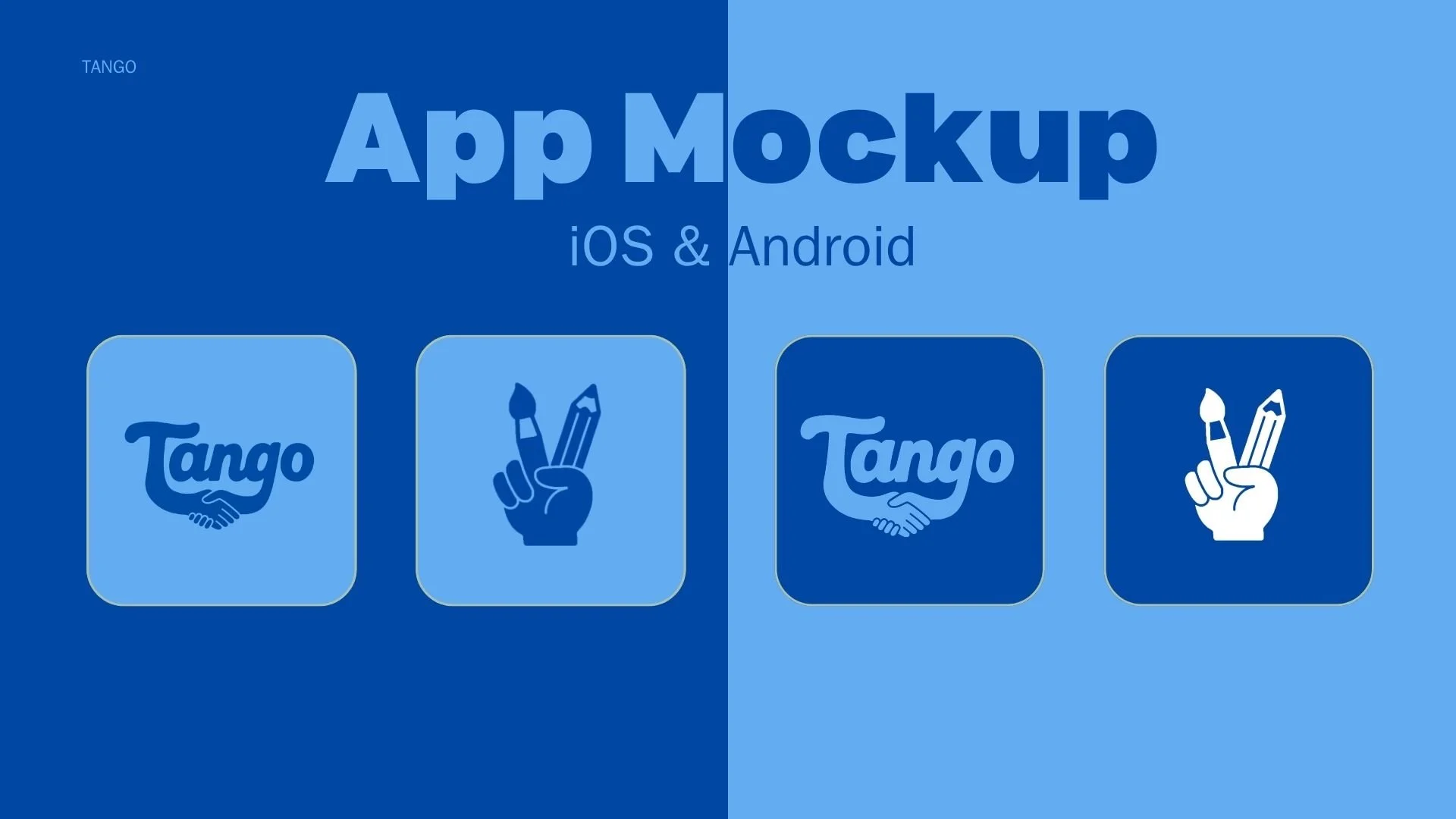
Mockup of an app interface for iOS and Android, with four icons: two with the word "Tango" and handshake logos, and two with a hand holding a paintbrush and pencil.
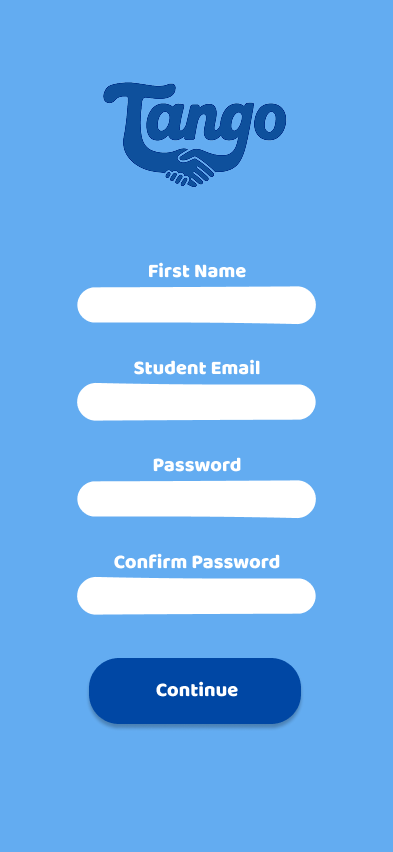
Registration screen for an app called Tango, with fields for first name, student email, password, confirm password, and a blue continue button.
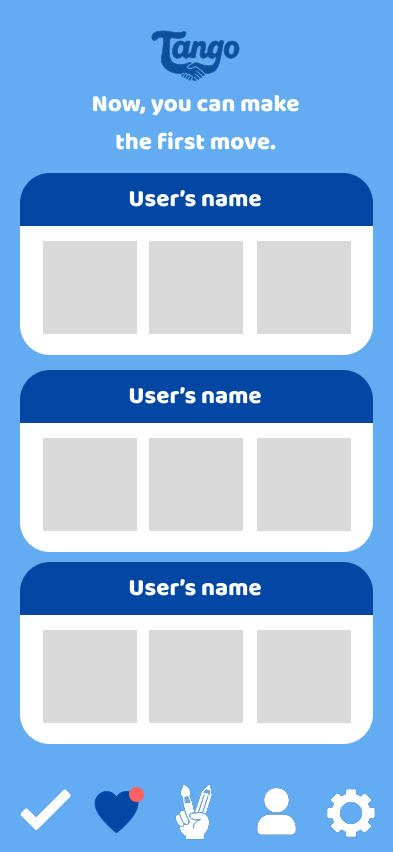
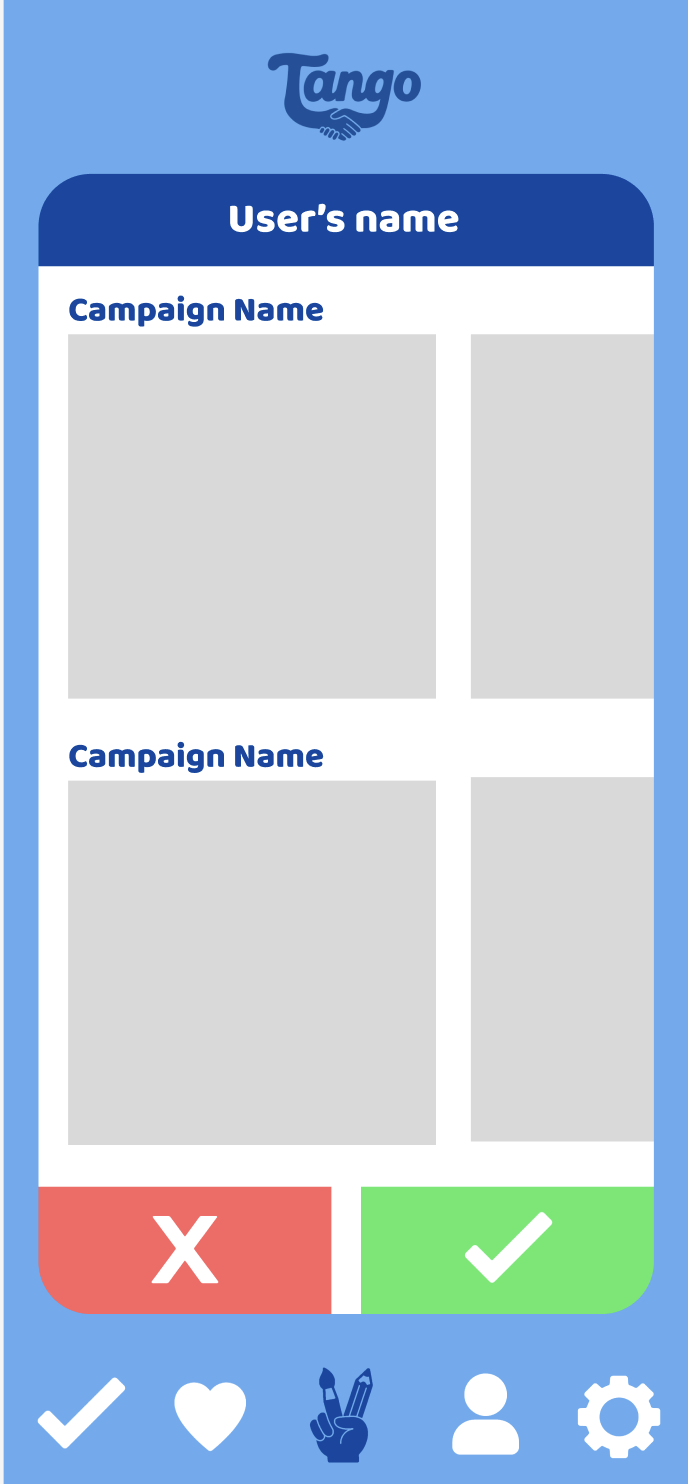
Mobile app interface with the title 'Tango' and the instruction 'Now, you can make the first move.' It has three sections labeled 'User's name,' each containing blank boxes, and a bottom menu with icons for check mark, heart, hand holding a card, person, and gear.
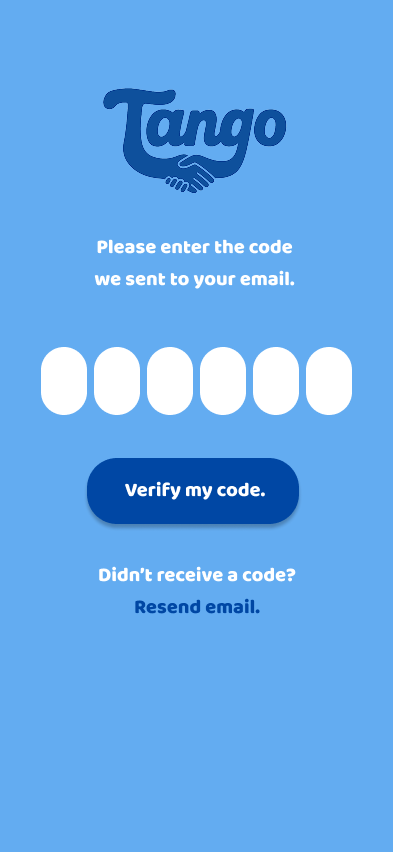
Tango app screen prompting user to enter a verification code sent via email, with a blue background, logo at top, six white blank fields for the code, a dark blue button labeled 'Verify my code', and options to resend email if no code received.
Pattern of blue fountain pens on a lighter blue background with the text "It's a match!" in the center.
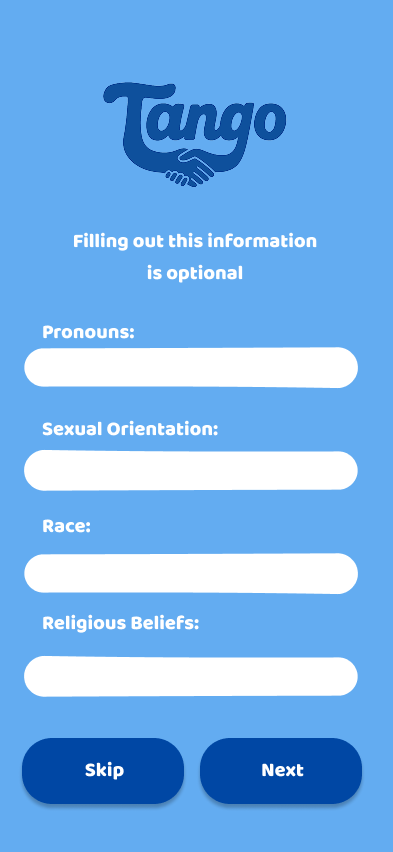
Screenshot of a mobile app form titled "Tango" with optional fields to fill out personal information including pronouns, sexual orientation, race, and religious beliefs, with skip and next buttons at the bottom.
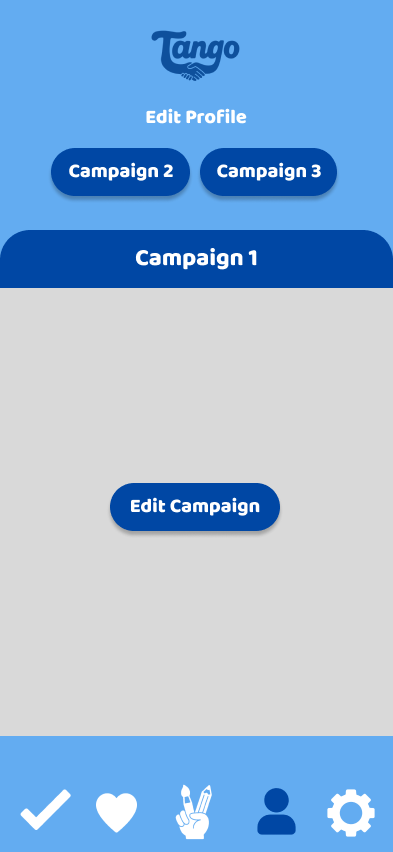
Mobile app screen titled 'Tango' with options to edit profile, view campaign 1, campaign 2, campaign 3, and edit campaign, with navigation icons at the bottom.
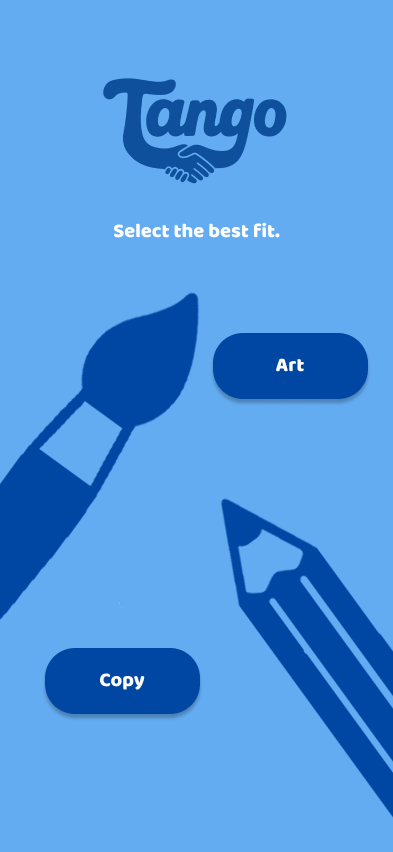
Mobile app screen with blue background displaying the logo 'Tango' with two hands shaking, with options to select 'Art' or 'Copy', and illustrations of a paintbrush and a pencil.
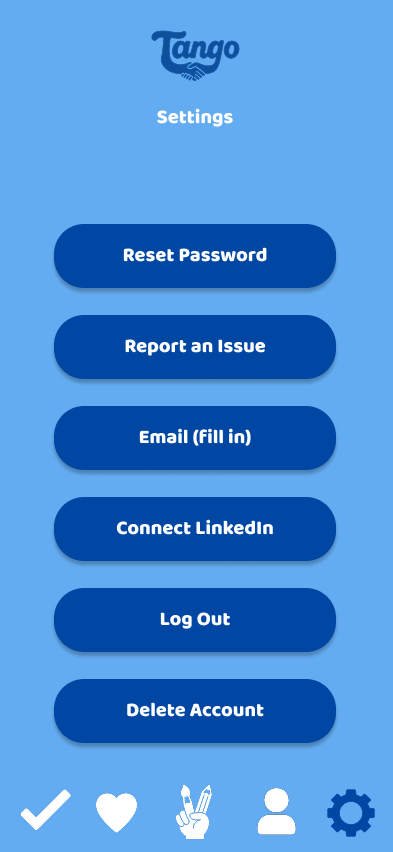
Tango app settings screen with buttons for Reset Password, Report an Issue, Email (fill in), Connect LinkedIn, Log Out, and Delete Account.
Mobile app screen with a blue header showing the word 'Tango' and a handshake logo. Below, it says 'First impressions are everything. Show 'em your best work.' A blue tab labeled 'Campaign 1' is visible, and the main section has a large plus sign inside a circle.
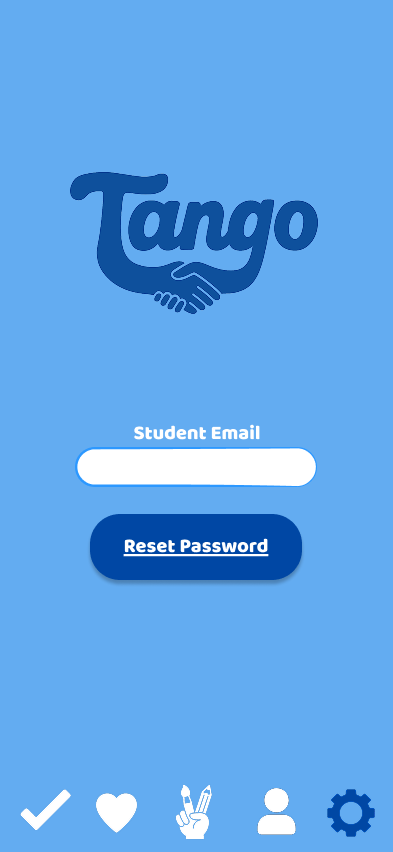
Tango app login screen with a logo, student email input field, reset password button, and navigation icons at the bottom.
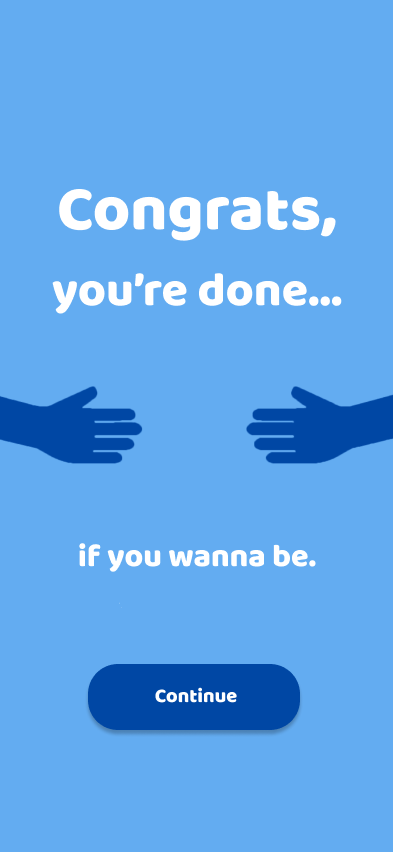
A mobile app screen with a blue background displaying the message "Congrats, you're done... if you wanna be." There are two dark blue hands extending towards each other, and a blue button labeled "Continue" at the bottom.
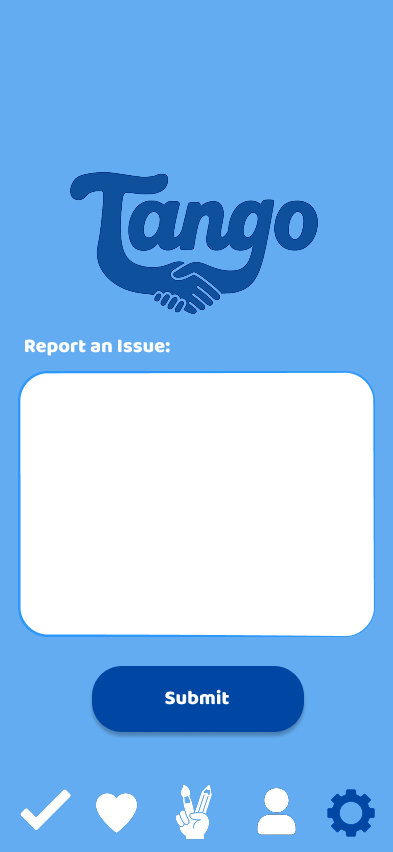
Mobile app screen with a blue background, displaying a logo with the word 'Tango' and a handshake icon. Below, there's a section labeled 'Report an Issue' with an empty white text box, a blue submit button, and icons at the bottom for home, favorites, writing, profile, and settings.
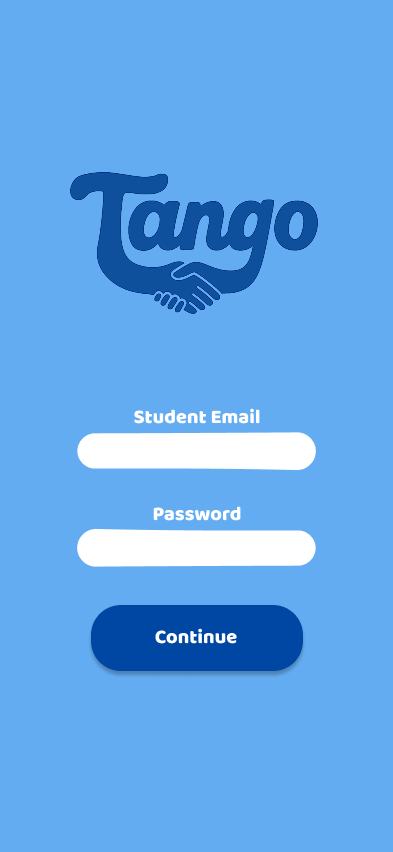
Mobile app login screen for Tango with fields for student email and password and a continue button
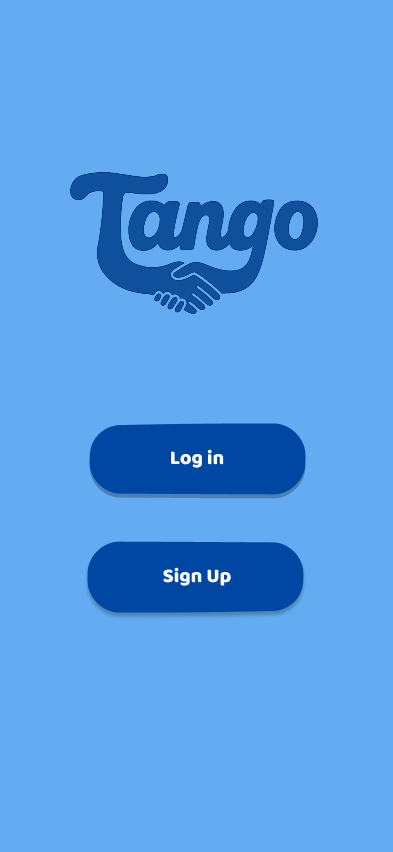
Mobile app login screen with a blue background, app logo with handshake and the word 'Tango', and buttons for 'Log in' and 'Sign Up'.
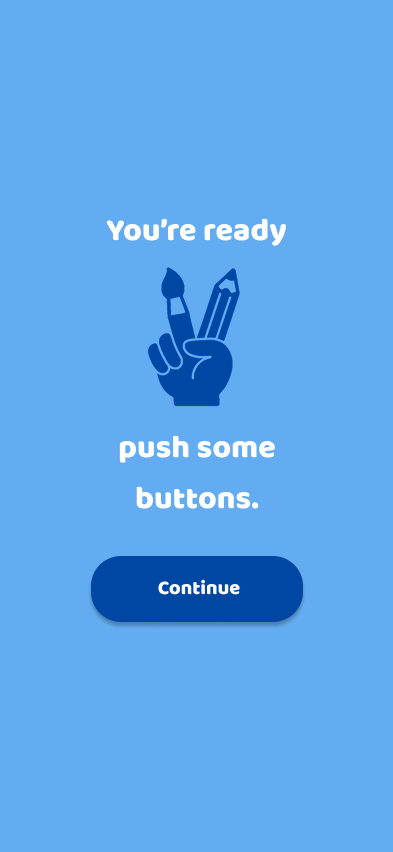
A mobile app screen with a blue background, displaying a hand holding a pen and pencil with the text "You're ready push some buttons" and a "Continue" button.
Mobile app interface for a campaign management app called Tango, displaying user’s name, two campaign options with placeholders for images or descriptions, and green checkmark and red cross buttons at the bottom for submitting or canceling.